
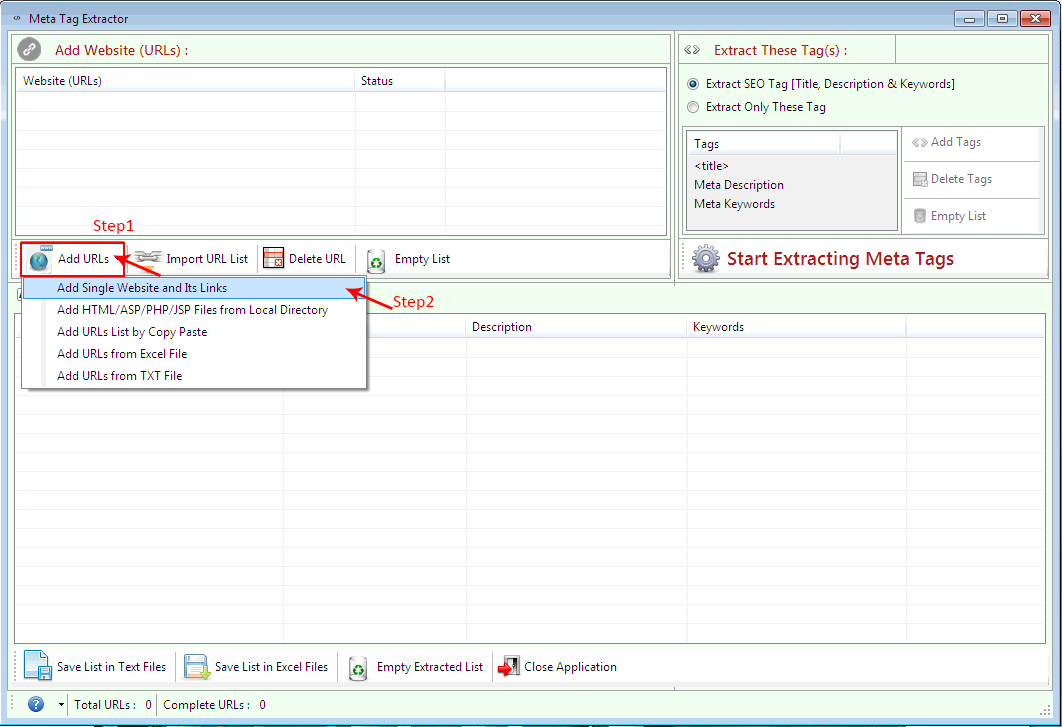
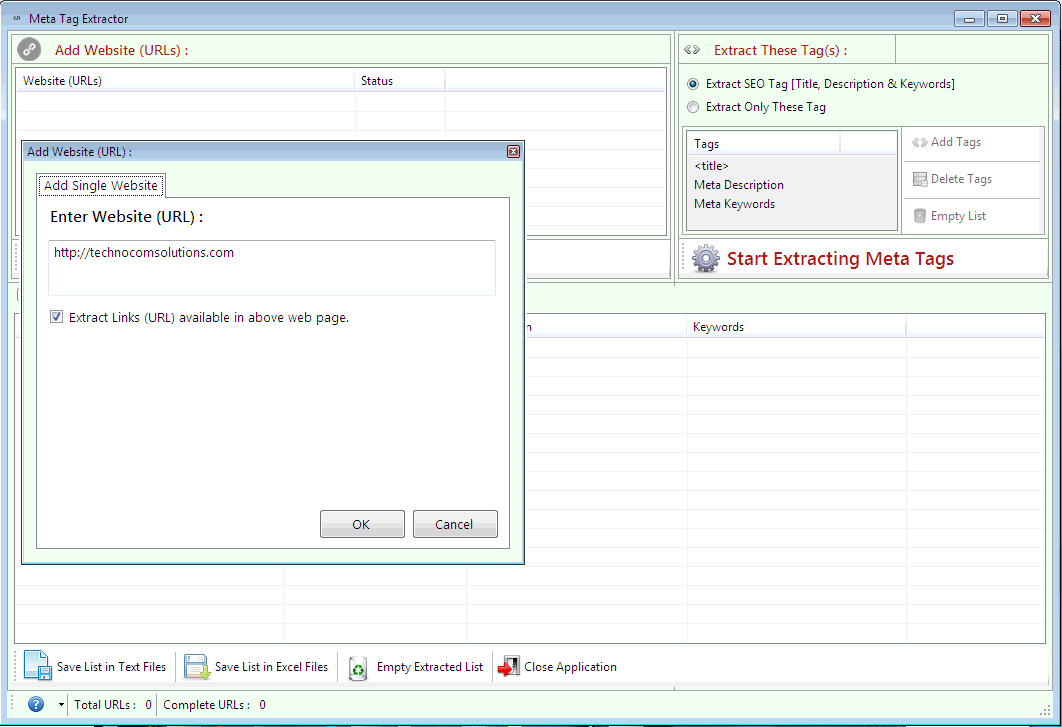
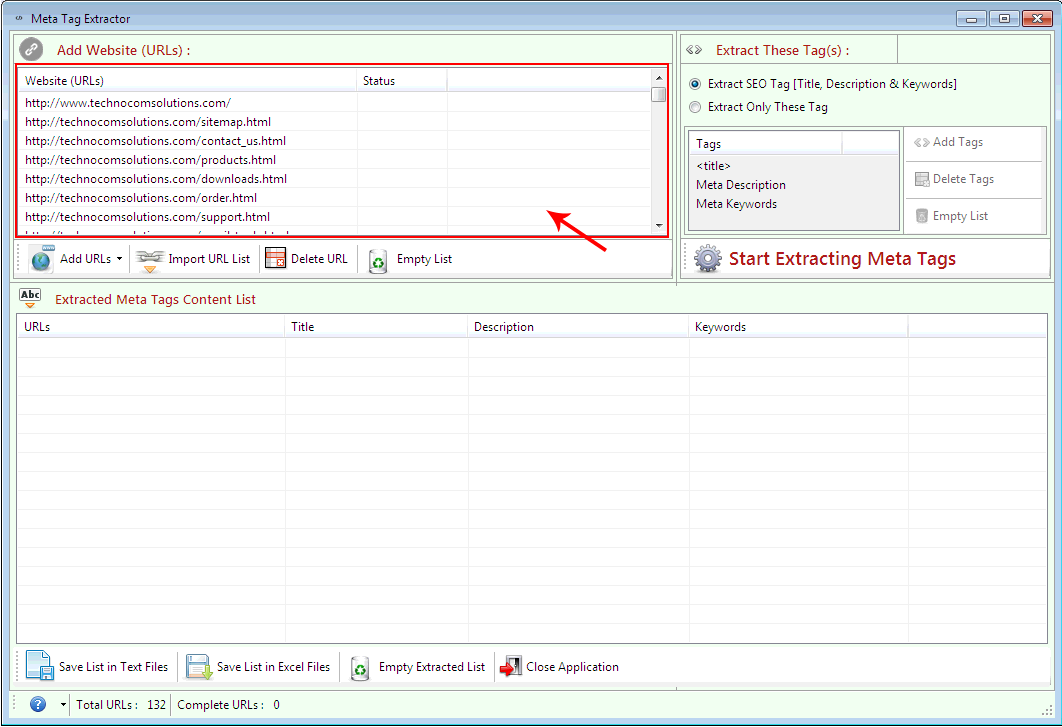
 It will extract all the Url present on the web page of the given Url.
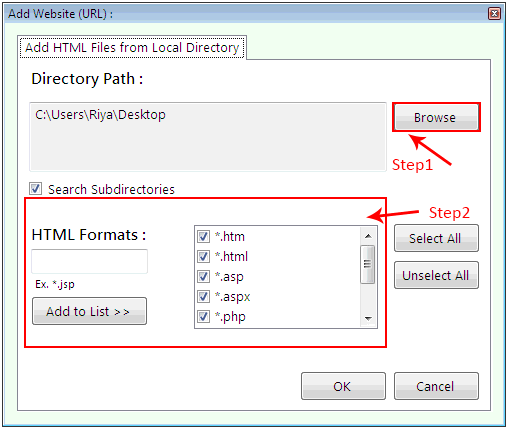
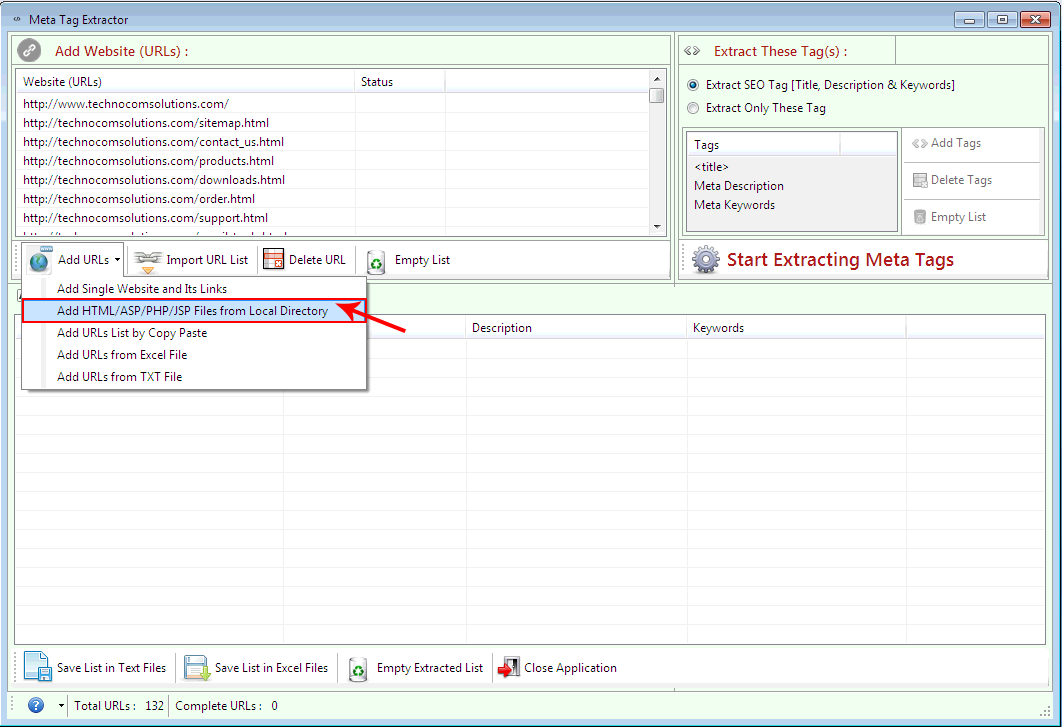 Step1: Choose files from local Directory. Click on Browse to
import HTML file from Folder.
Step2: Select files extension you want to extract.
Step1: Choose files from local Directory. Click on Browse to
import HTML file from Folder.
Step2: Select files extension you want to extract.
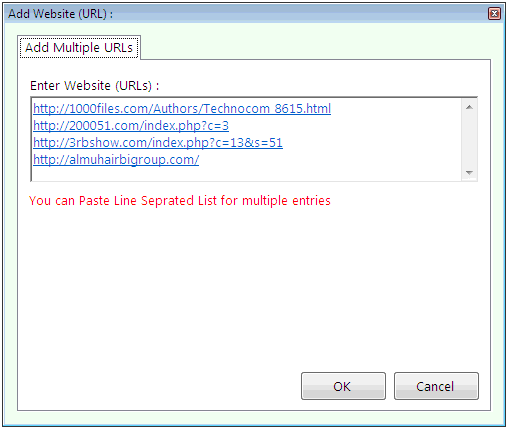
Step1: Select ‘Add URLs list by Copy Paste’
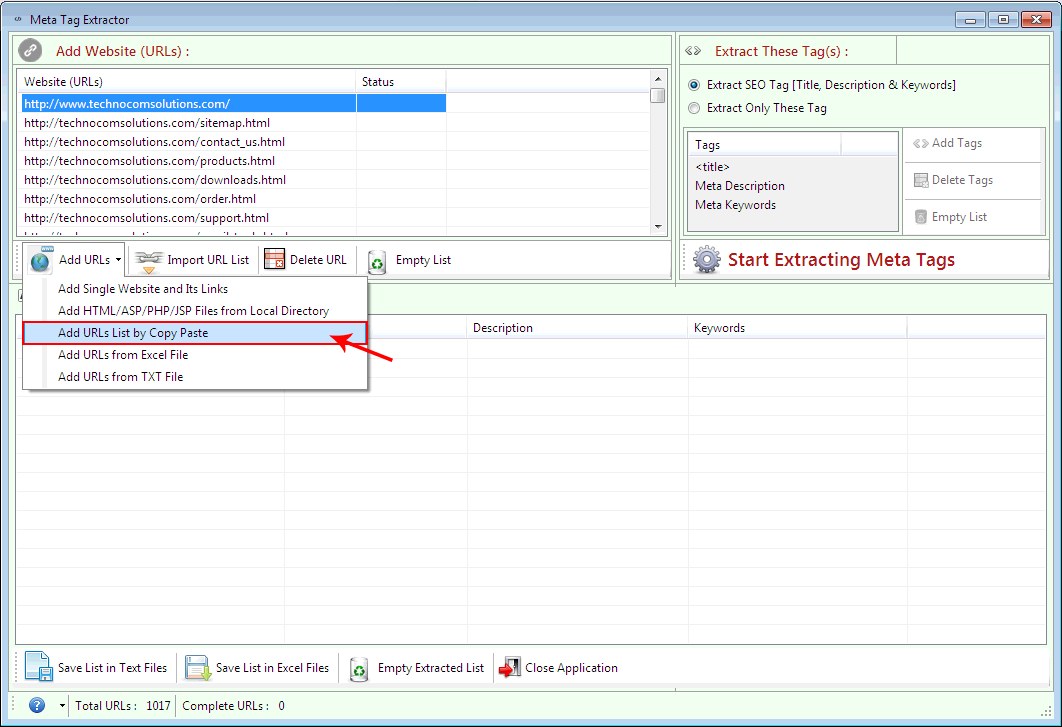 Step2: Paste copied URLs in the list seprated by line.
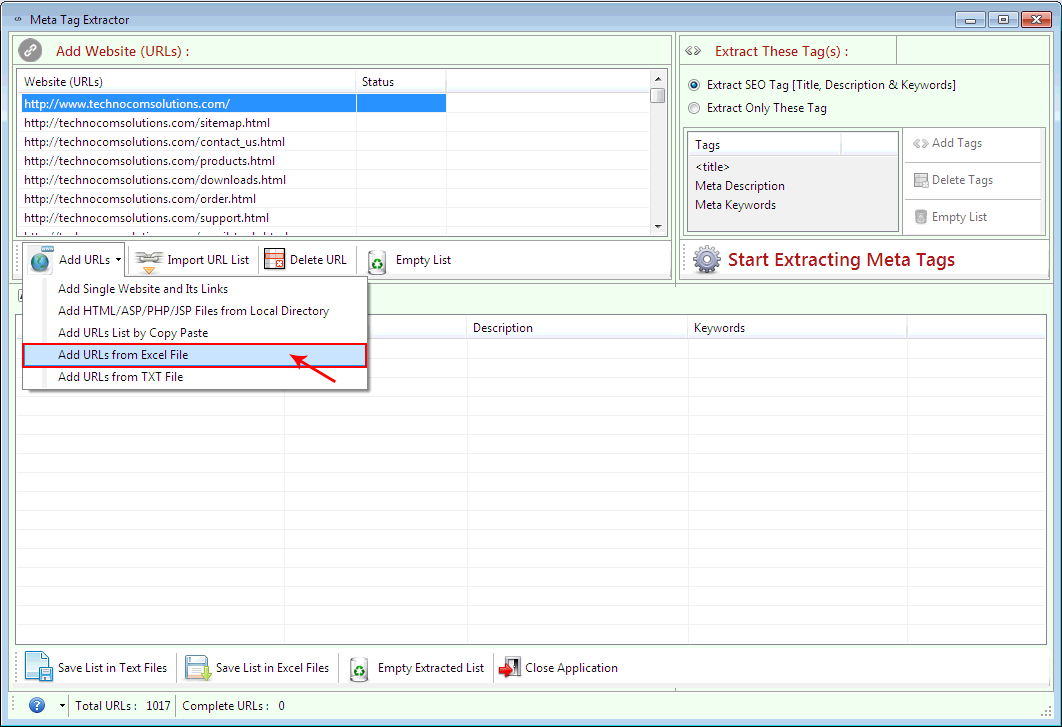
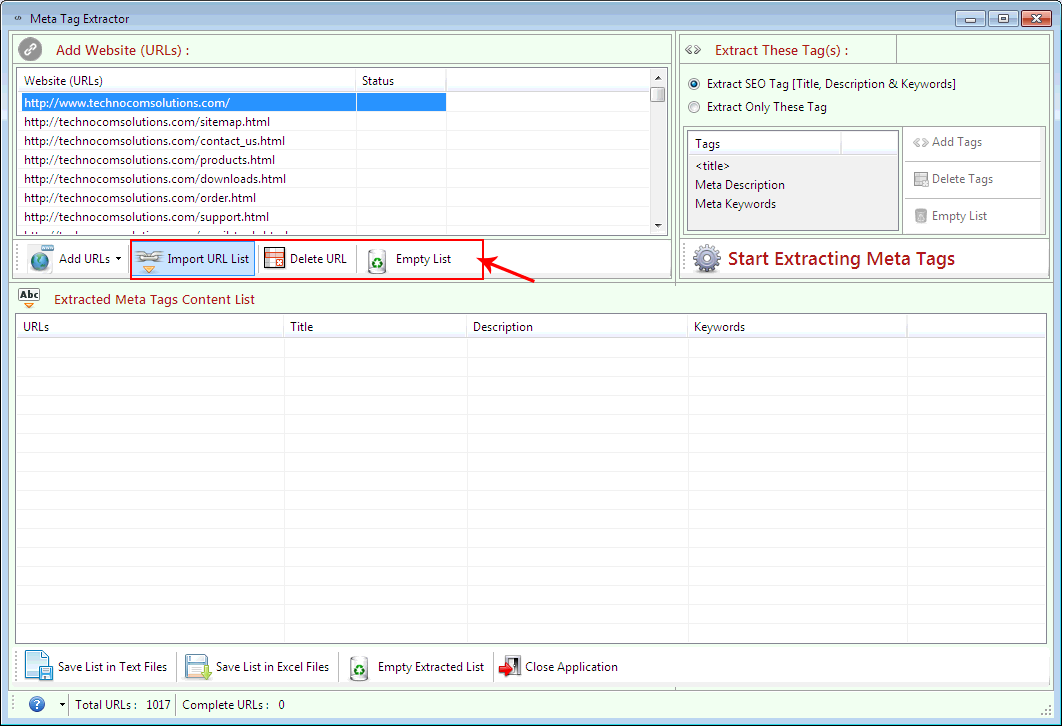
Select ‘Add URLs from the Excel File’ option to import Urls list from Excel files.
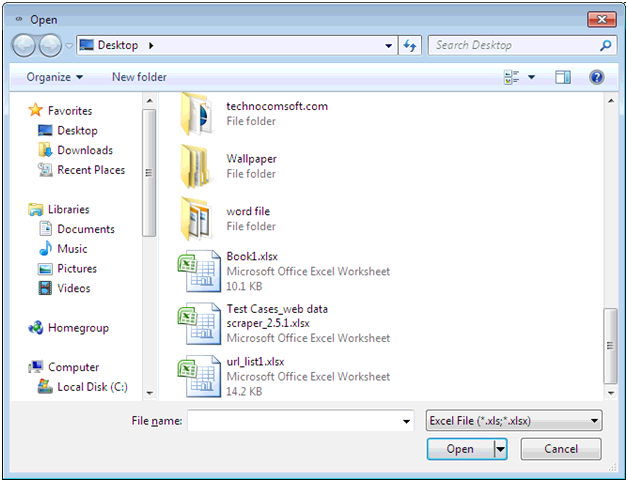
 Select those Excel sheet which contains URLs list.
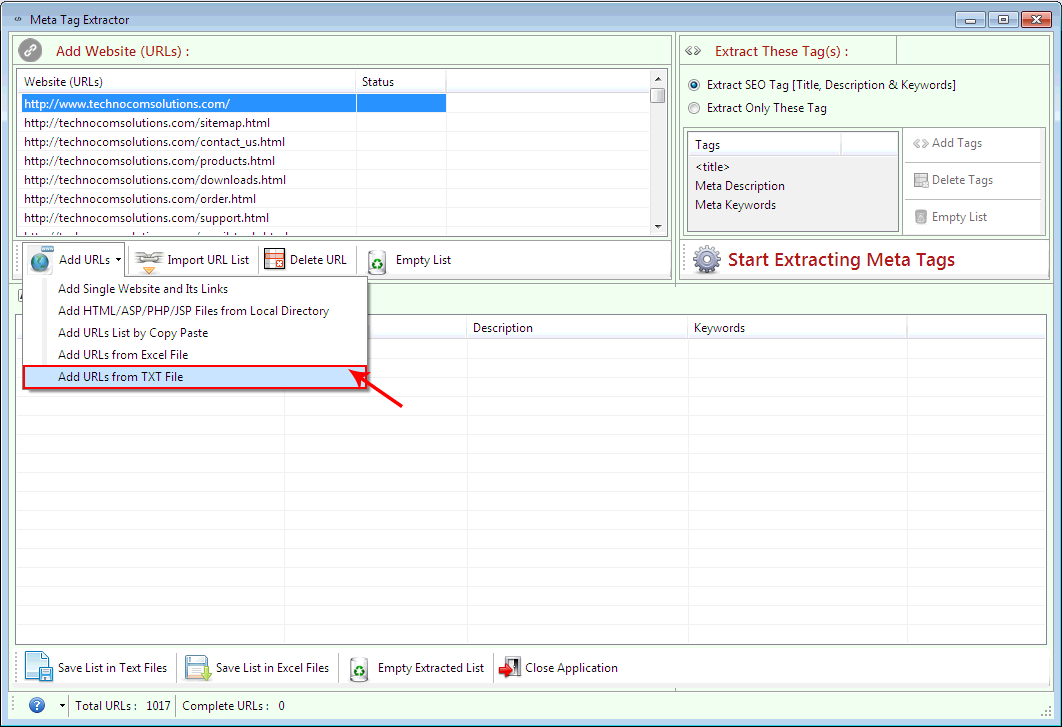
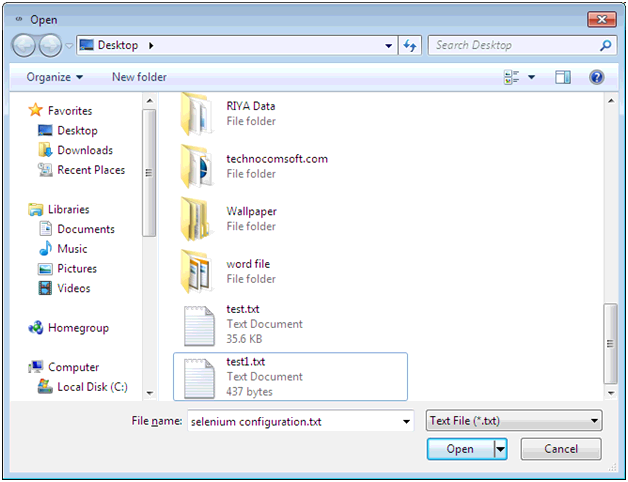
Select ‘Add URLs from the TXT File’ option to import Urls list from Text files.
 Select those Text file which contains URLs list.
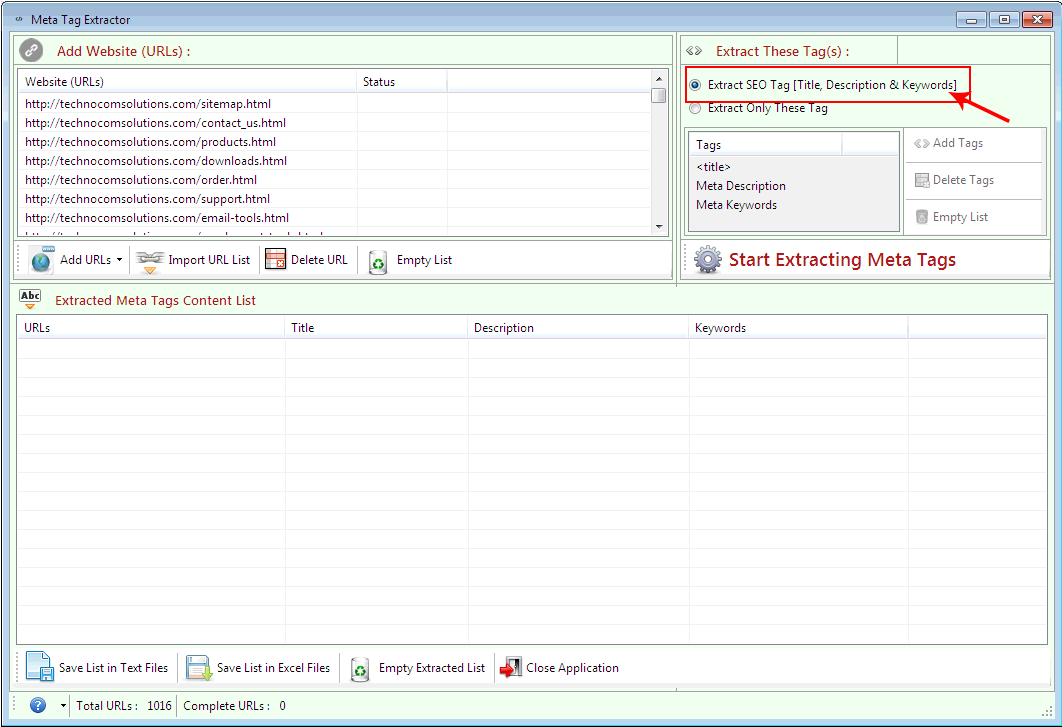 Select ’Extract SEO If you want to add more tags then select
‘Extract only these Tag’ and then click on ’Add
Tags’ to add more Html tags to the list. Write the Tag name and
click on OK button.
Select ’Extract SEO If you want to add more tags then select
‘Extract only these Tag’ and then click on ’Add
Tags’ to add more Html tags to the list. Write the Tag name and
click on OK button.
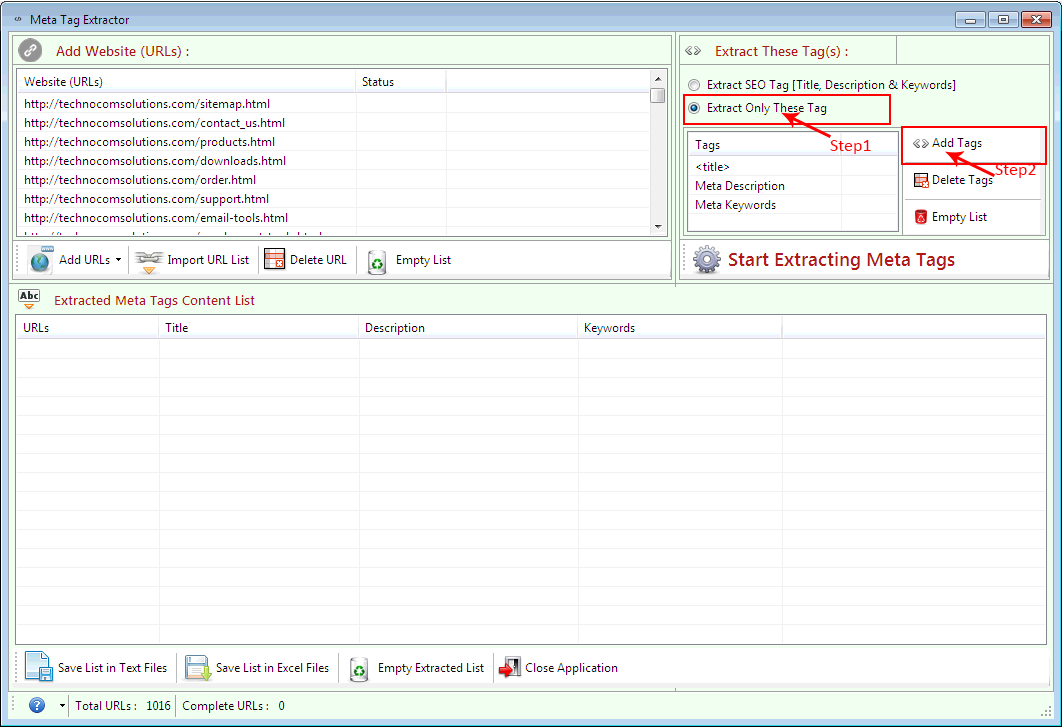
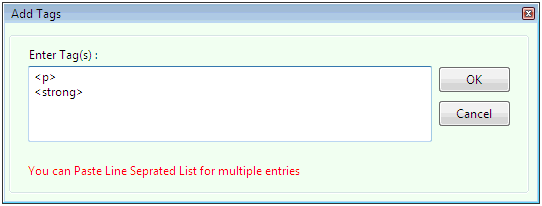 Select ’Extract SEO If you want to add more tags then select
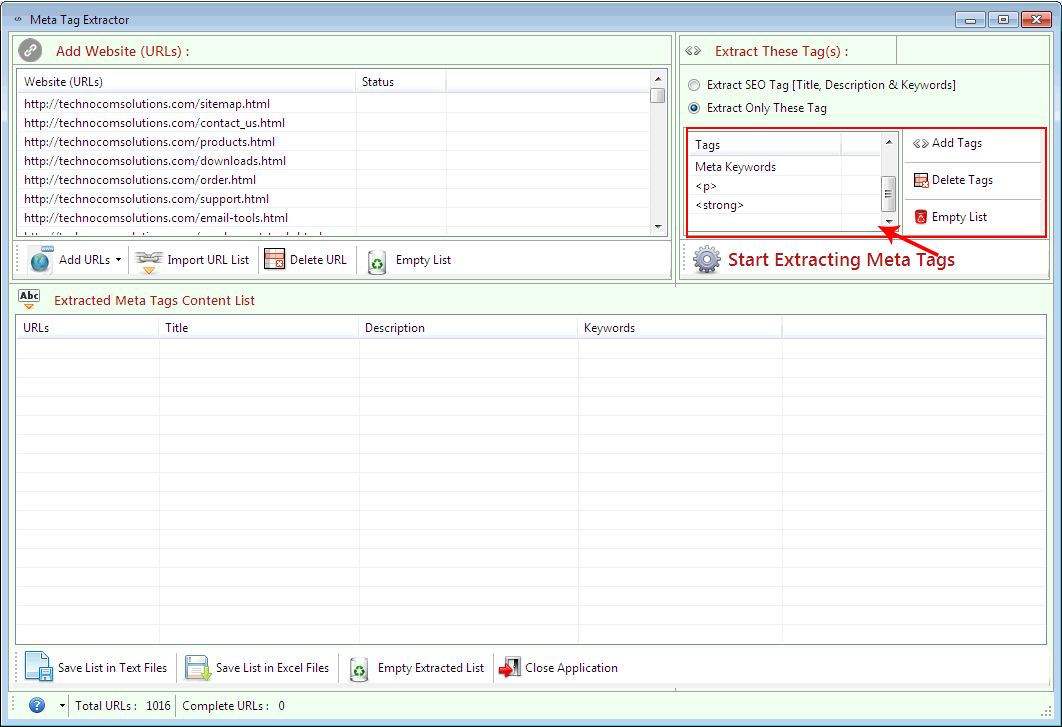
‘Extract only these Tag’ and then click You can see the Tag name added
in the ‘Tag List’.
If you want to remove a tag from Tag name then select and click on ‘Delete
Tags’ button.
Now to remove all Tag names from Tag list click on ‘Empty List’ option.
Select ’Extract SEO If you want to add more tags then select
‘Extract only these Tag’ and then click You can see the Tag name added
in the ‘Tag List’.
If you want to remove a tag from Tag name then select and click on ‘Delete
Tags’ button.
Now to remove all Tag names from Tag list click on ‘Empty List’ option.
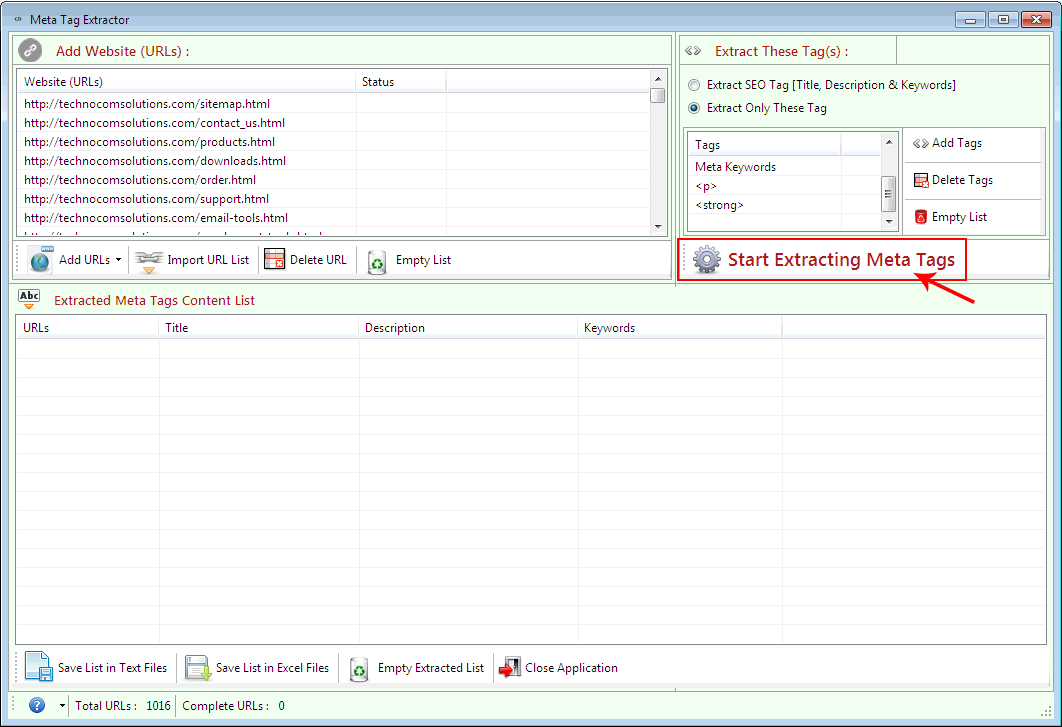
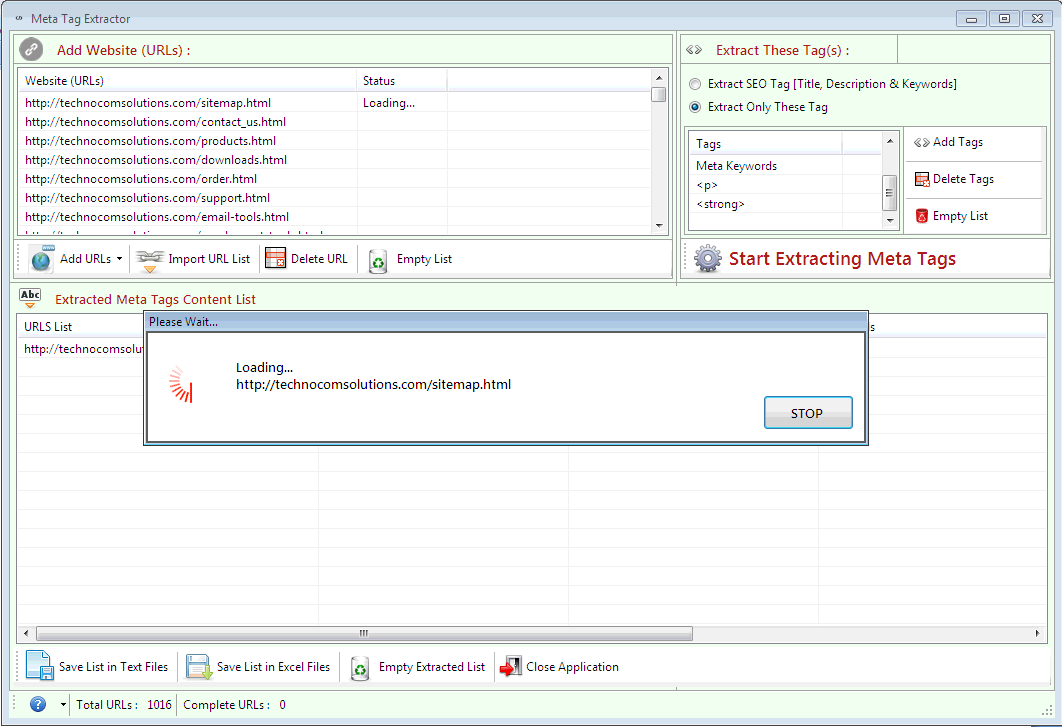
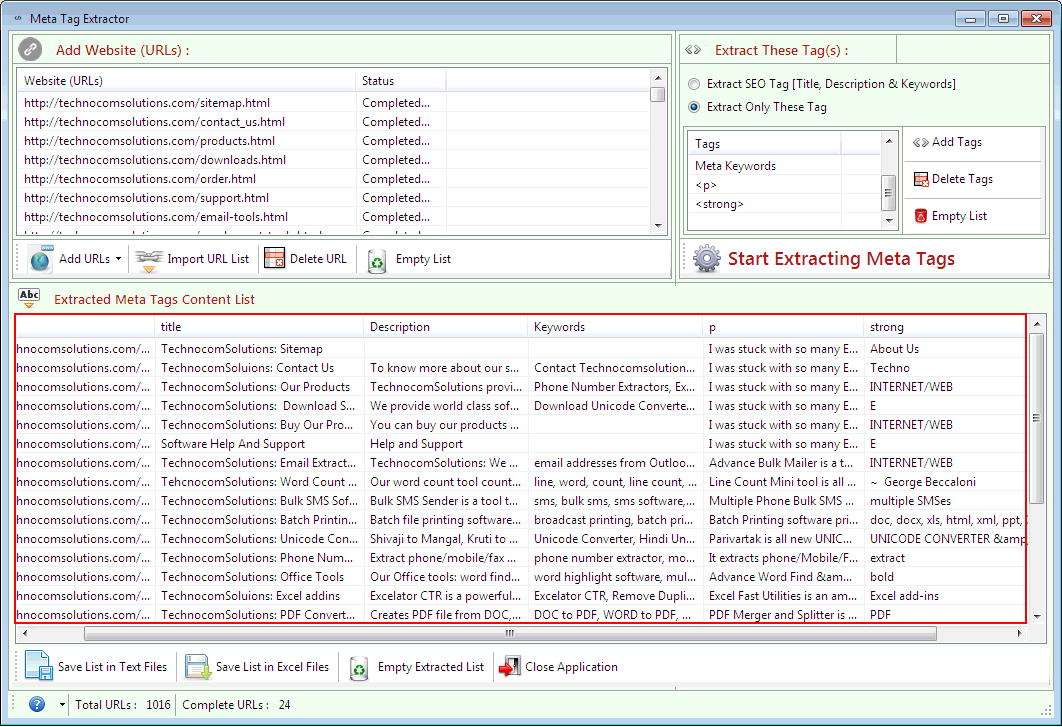
Click on ‘Start Extracting Meta Tags’ to begin the process. You can see the result below.
Copyright © 2019 Technocomsoft | Powered by Technocom Solutions
↑