Technocom Soft

Excel Workbook Details Editor

How to change detail of multiple excel files at once?
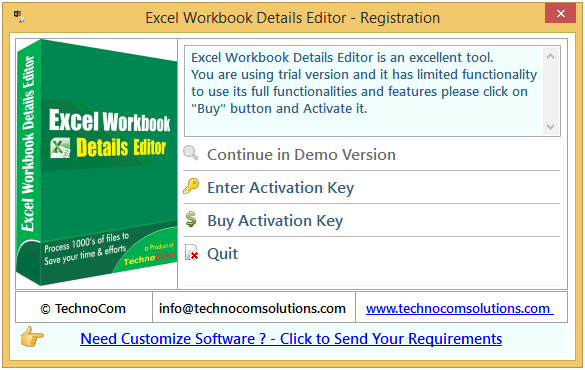
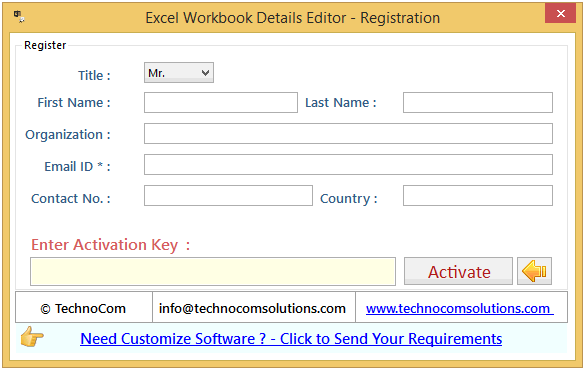
  • Register : To register the "Excel Workbook Details Editor" click on the "Enter Activation Key" Button and fill the Registration Detail with the Activation Code.
  • Buy : You have to Buy "Excel Workbook Details Editor" to get Activation Code. You Can Buy it From our Site by Clicking on "Buy Activation Key" button.
  • Try Demo: You can use demo version of "Excel Workbook Details Editor" by clicking on "Continue in Demo Version" Button.
Excel Workbook Details Editor Excel Workbook Details Editor

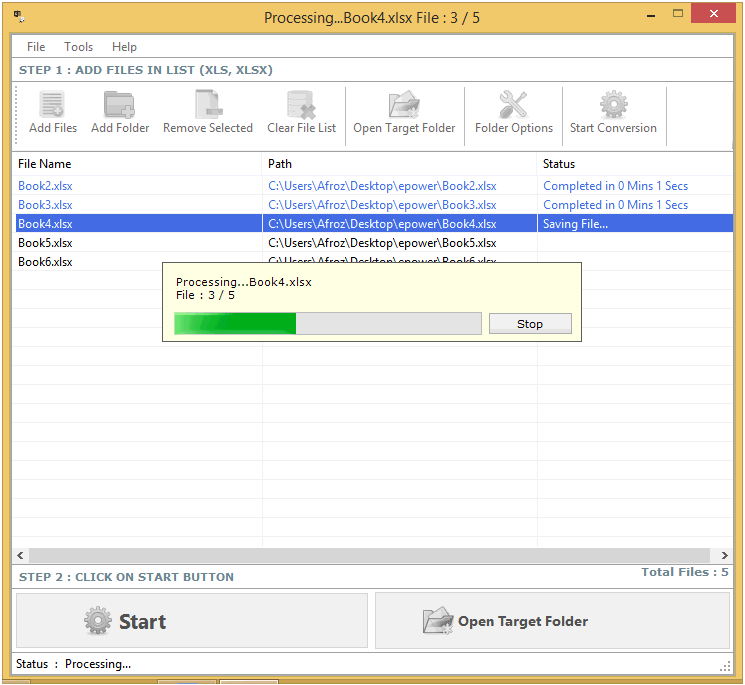
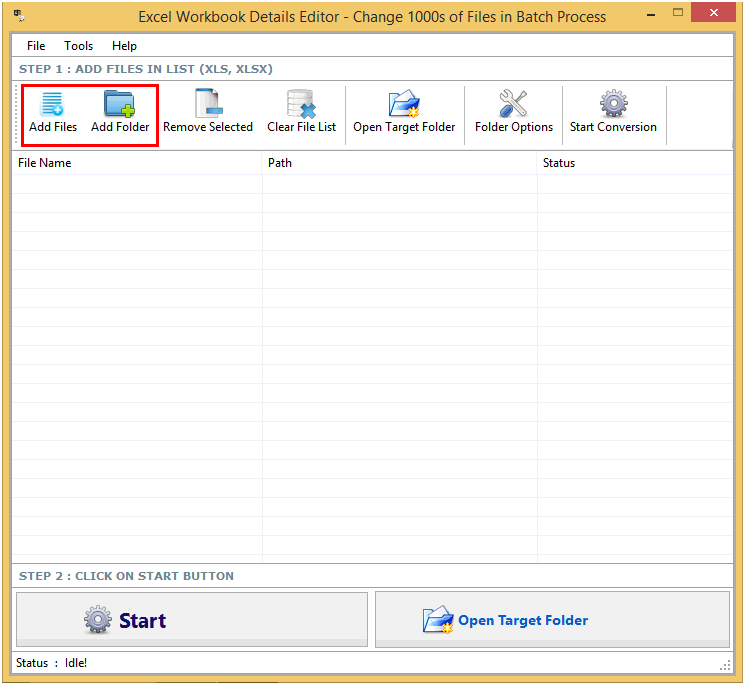
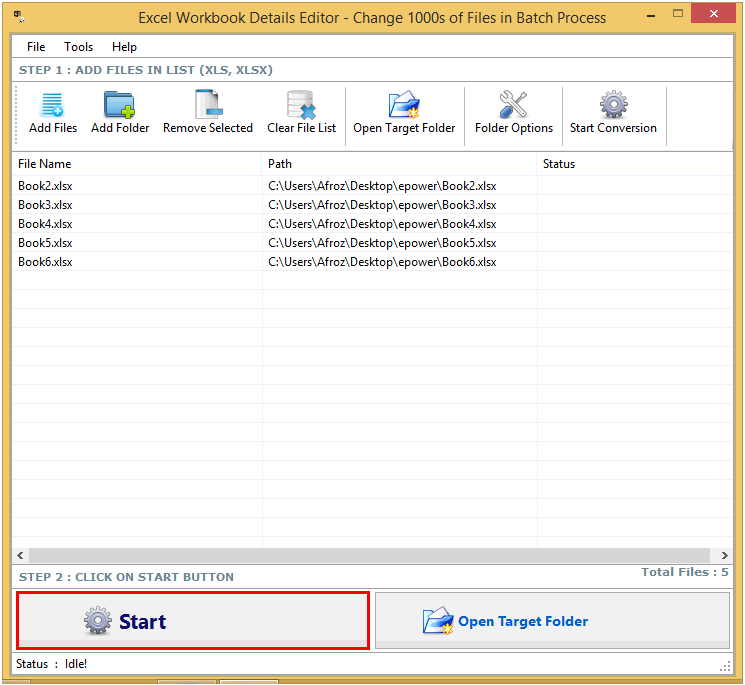
Step 1: Add Files (.XLS, .XLSX).

Add Files - In this step you can add MS excel files like .XLS, .XLSX. You need click on ‘Add file’ and a dialogue box of files will be shown from where you can select the files. You can also select a whole consisting of word files by clicking on ‘Add Folder’.
Excel Workbook Details Editor Excel Workbook Details Editor

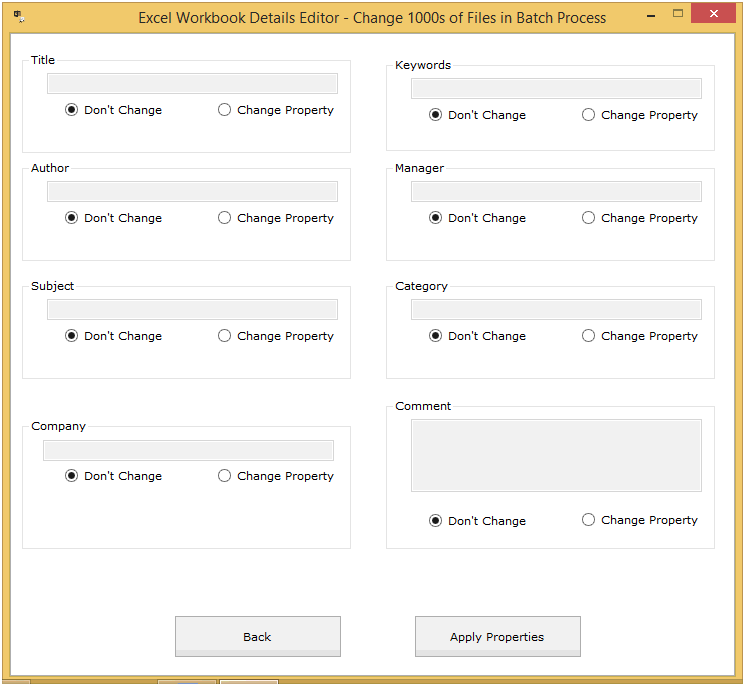
After click on “start”

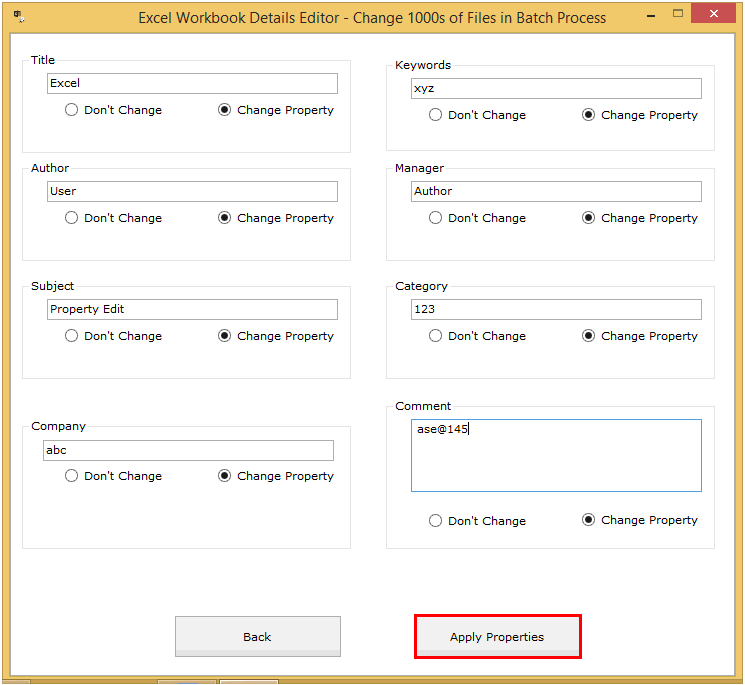
  • Click on “Change Property” button if you want to change that option.
  • Click on “Don’t Change” button if you don’t want to change.
  • Enter text in edit boxes.
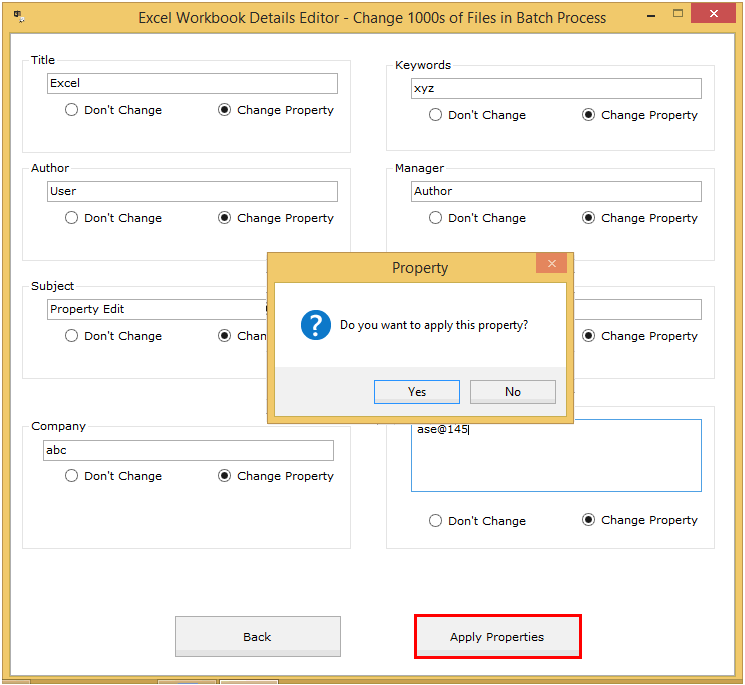
  • Click on “Apply Properties” button.
Excel Workbook Details Editor Excel Workbook Details Editor Excel Workbook Details Editor Excel Workbook Details Editor
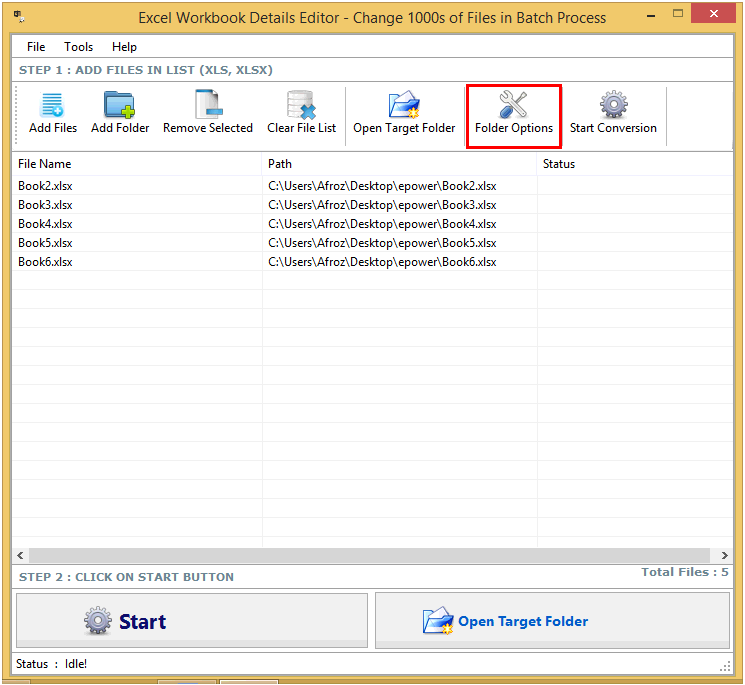
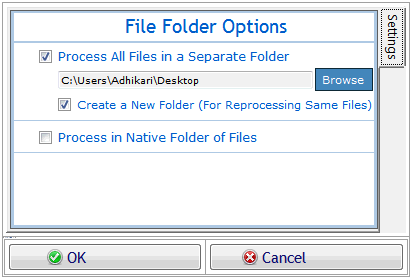
Click on folder option button, a window will be open there you can change output file location. Excel Workbook Details Editor Excel Workbook Details Editor
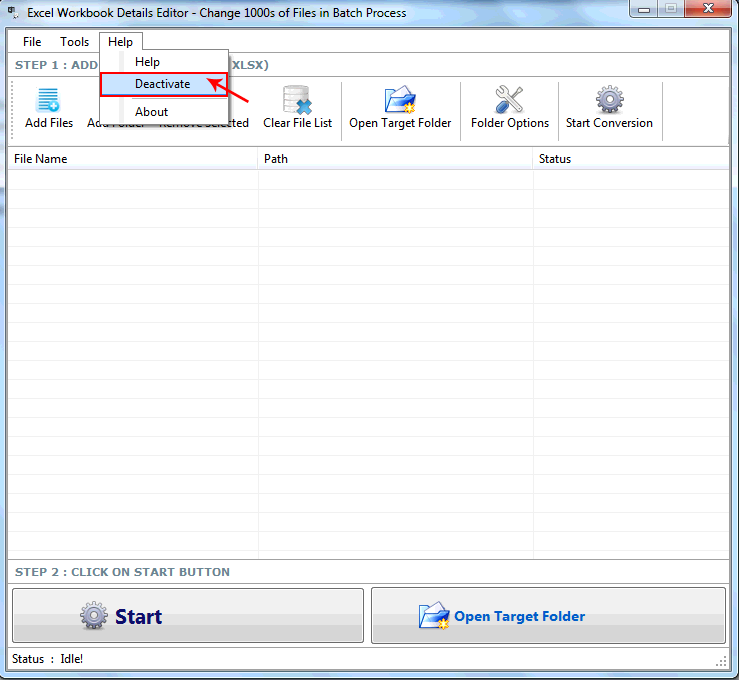
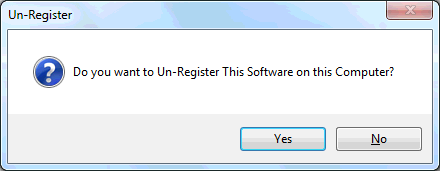
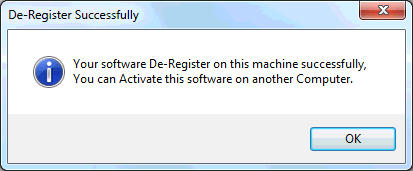
Go to Help Menu. Now click on Deactivate option. Step 1 : Deactivate from current PC. Step 2 : Install the software on new PC and Register it with same Activation Key. Excel Workbook Details Editor Excel Workbook Details Editor Excel Workbook Details Editor

Copyright © 2019 Technocomsoft | Powered by Technocom Solutions

↑


Offer

We would like to notify you that our server may experience down due to scheduled maintenance, and our software may not be operational during this period.